
WordPress websites, like any website run by a CMS, are broken down into two major areas. The “front-end” is what visitors see when they type in the URL from any computer. The “back-end” is where you edit or add content and make changes to the website for visitors to see. Wordpress calls this the “dashboard”.
It’s easy to get to your login page to login to the WordPress “back-end” for your site. You simply need to add “/wp-admin” to the URL of your website. For example, if you website is http://example.com, you would type (or bookmark) http://example.com/wp-admin to get to the WordPress login screen, which looks like this:
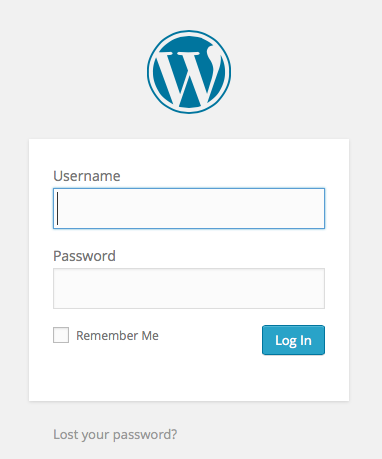
Once on this page you can login to the dashboard by entering the username and password which were sent to you by Perisphere Media to gain access to your site. The first time you login you will have to select a new password. Follow the instructions to do so. Otherwise, when you login you will go straight to the Dashboard page.
If you ever forget your password, notice the small link at the bottom, which will allow you to reset your password through an emailed link.

